
Haba na Haba Track
Now on your home screen.
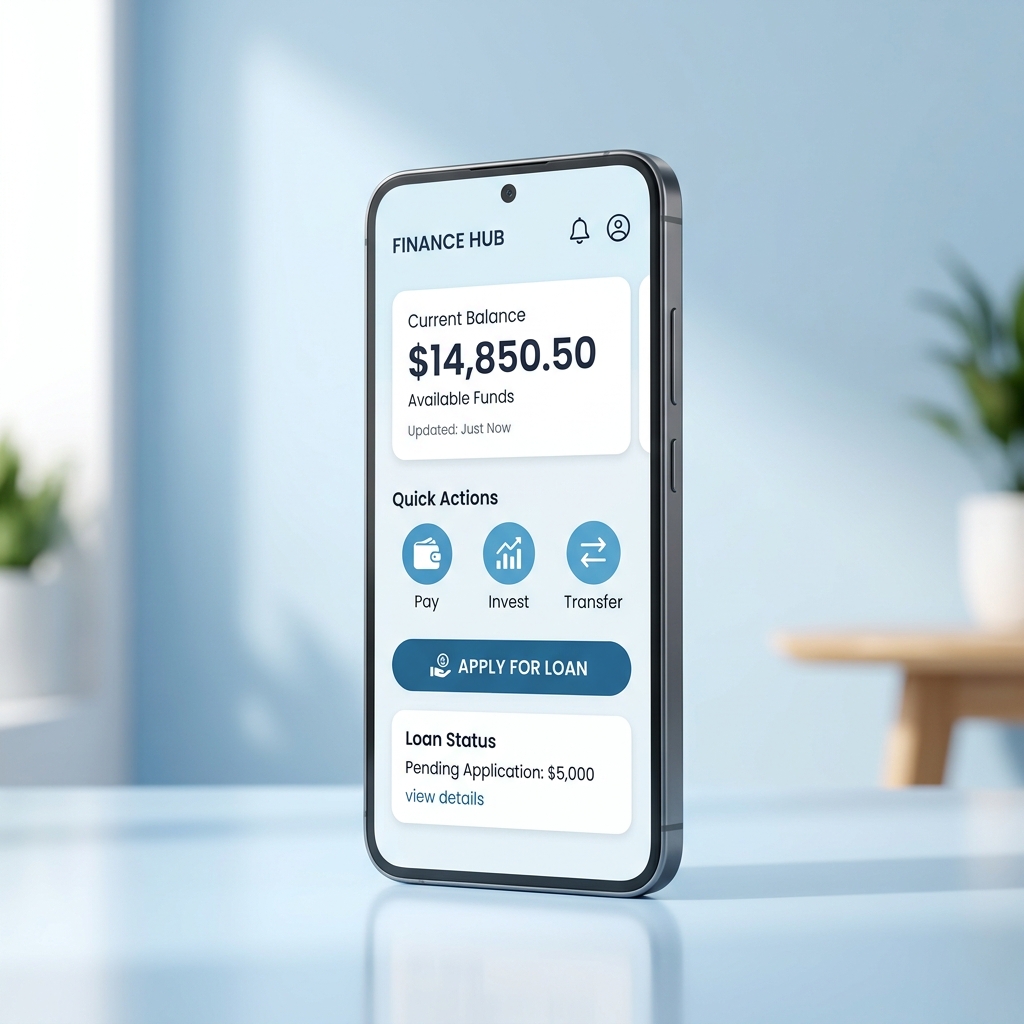
Take full control of your finances. Install the Haba na Haba Web App directly to your device for real-time notifications, secure access, and a premium full-screen experience.
Instant Setup
No app store download required
Joined by 10,000+ active users
Why use the Web App?
Enjoy the features of a native app without the storage bloat.
Zero Installation Wait
Installs in seconds. No need to download large APK files or use app store bandwidth.
Secure & Encrypted
Runs securely within your browser's sandboxed environment, keeping your personal details safe.
Always Up-to-Date
Updates automatically in the background. You'll always have the latest features and security patches.
How to Install on Your Device
Follow these quick steps based on the browser you are currently using.
iPhone / iPad
Safari Browser
Open habanahaba.com in your Safari browser.
Tap the Share button at the bottom navigation bar.
Scroll down the options list and tap Add to Home Screen .
Tap Add in the top-right corner to complete installation.
Android Device
Chrome Browser
Open habanahaba.com in Google Chrome.
Wait for the install banner or click the primary Install Web App button above.
Alternatively, tap Chrome's menu (three dots) in the top right.
Tap Install App or Add to Home Screen, then confirm.
Desktop / PC
Chrome / Edge / Safari
Open habanahaba.com on your desktop browser.
Look for the Install icon (computer with down arrow) in your address bar.
Click the icon to launch the installation dialog.
Confirm 'Install' to run Haba na Haba in its own standalone window.
Ready to get started?
Install the Haba na Haba app today and enjoy simple, instant financing.